
Video projects are a great way to bring creativity, collaboration, and deeper learning into your classroom, no matter what grade level or subject you teach. To help you and your students get started, we’ve put together this collection of pre-production tools with our friends at WeVideo. Our video project toolkit has all the printables your students need to complete their projects.
What’s included?
When you download, you’ll get four templates:
- Planning My Video
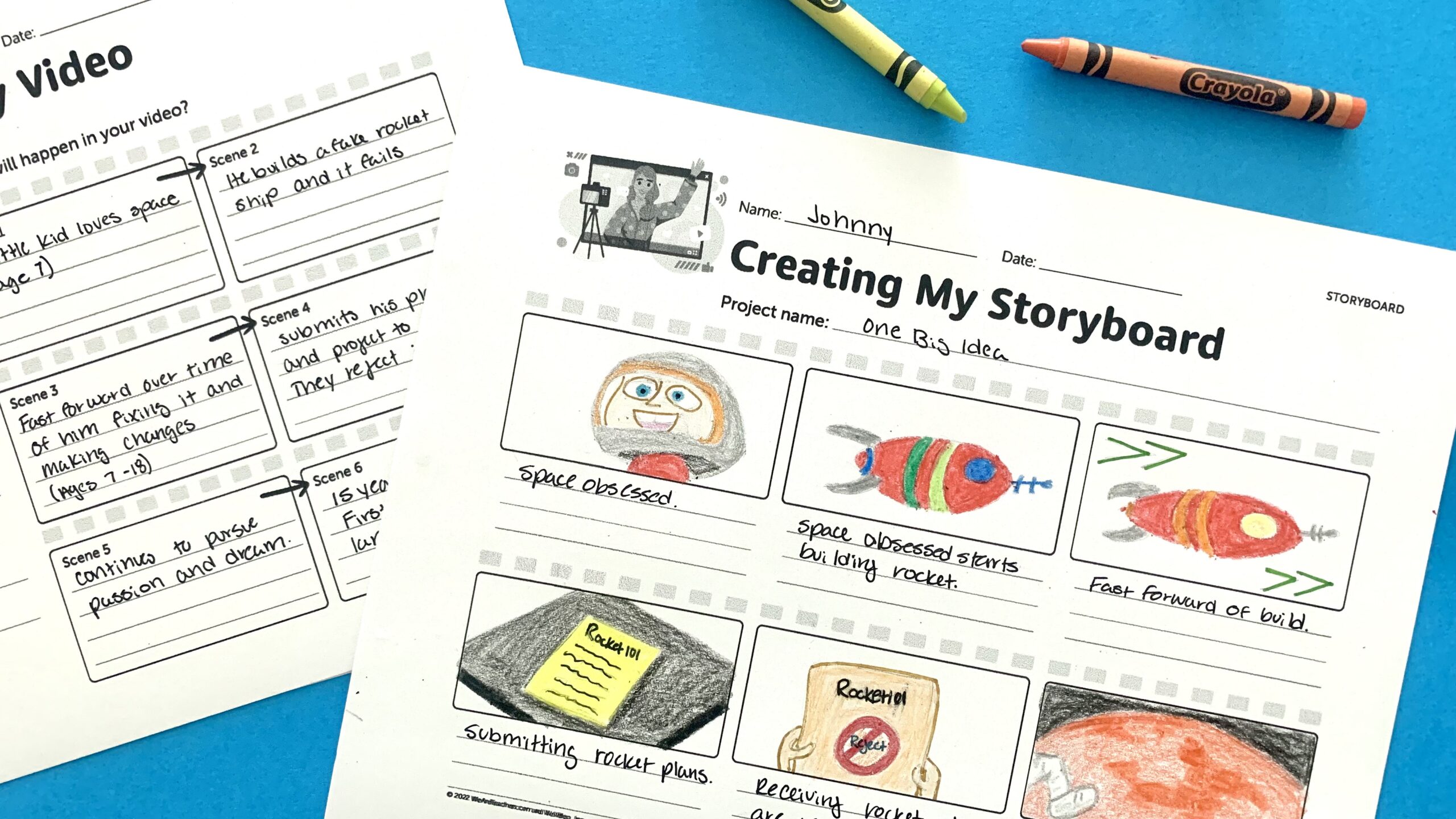
- Creating My Storyboard
- Planning My Shot List
- Writing My Script
How do I use the toolkit?
1. Create video production groups.
Allow students to self-select groups, or assign them yourself.
2. Choose a video project or contest.
Students can produce videos on just about anything. Take a peek at our list of creative video ideas.
3. Complete the video planning sheet.
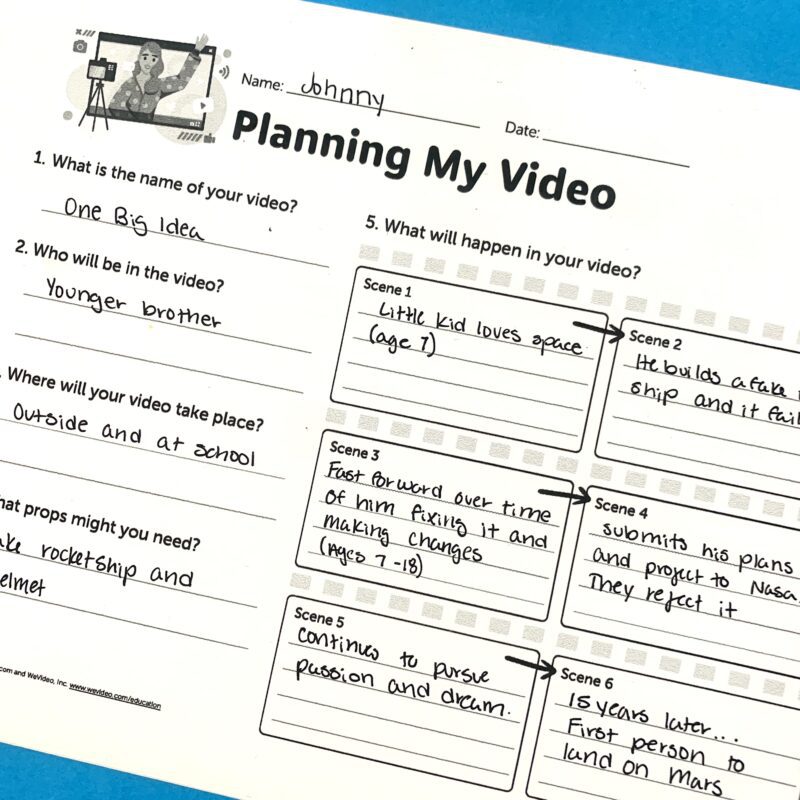
They’ll need to figure out the who, what, and where for their video.
4. Sketch out the storyboard.
Basically, this is a graphic organizer for planning the narrative.
5. Create the shot list.
This is a detailed list of every shot that needs to be captured during video production.
Get Your Free Video Production Toolkit
Just fill out the form on this page to get your free video production toolkit with ever thing your students need to produce their own videos, including a planning sheet, a storyboard template, shot list template, and script template.