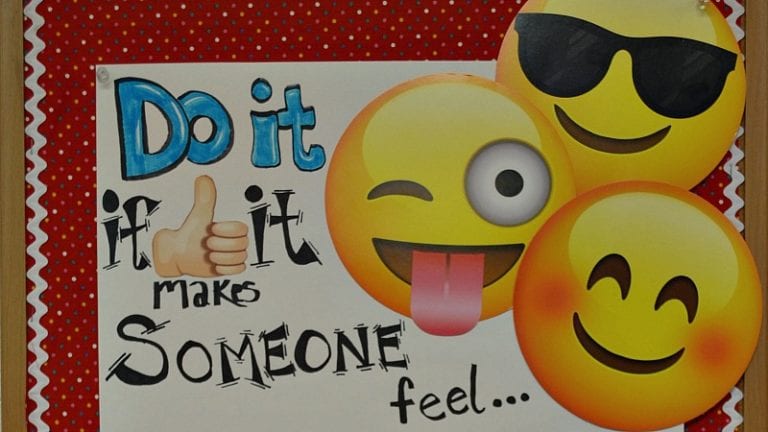
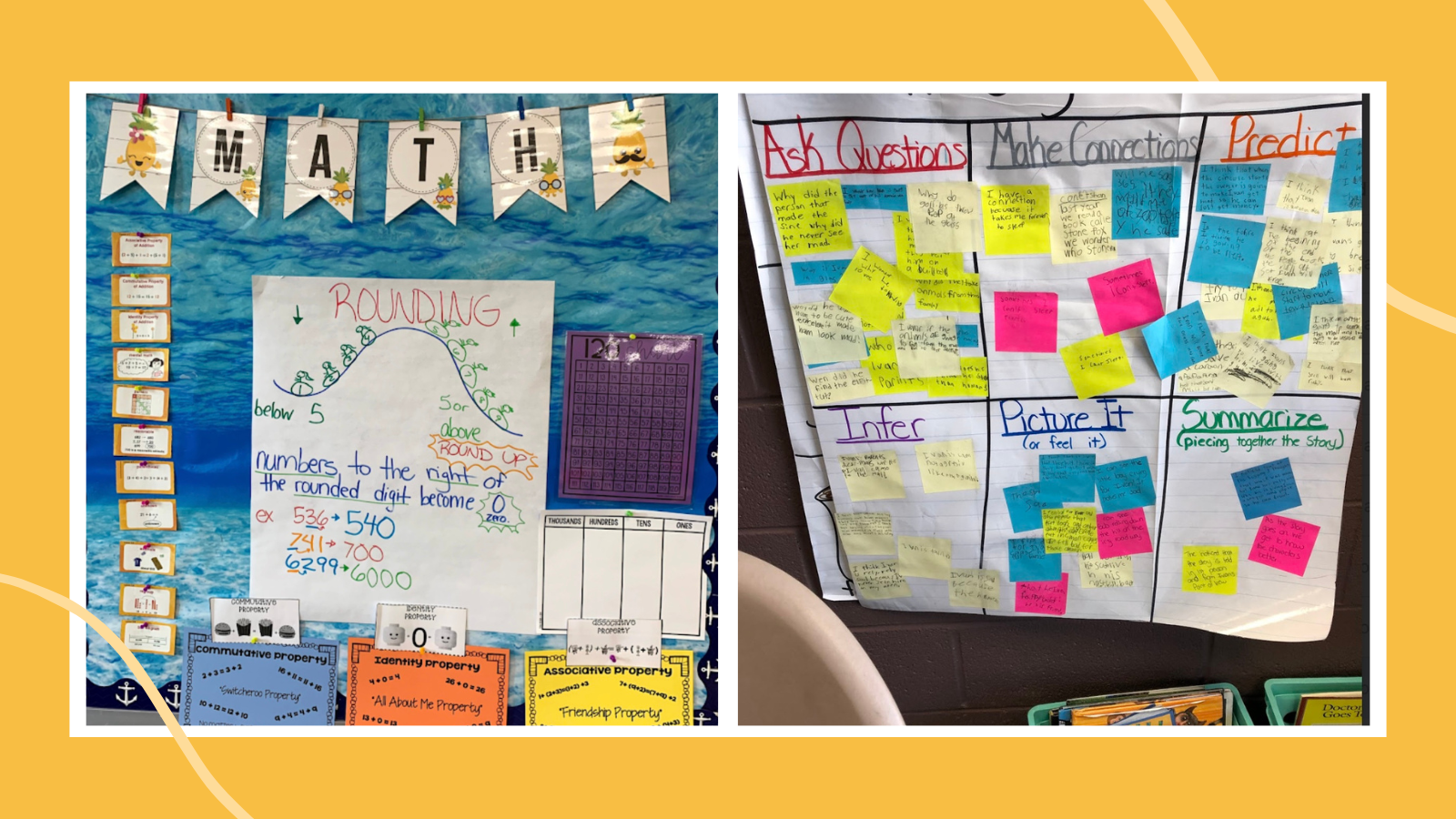

Anchor charts are a way to make a lesson stick around long after you’ve taught the skills. Create them with students and leave them up long after the lesson is over. This is our ultimate guide to anchor charts, from how to make them to when to use them. Plus we offer examples from classrooms just like yours!
Jump to:
- What is an anchor chart?
- How To Use Anchor Charts
- Types of Anchor Charts
- How do I create anchor charts?
- How To Maximize Anchor Charts
- More Anchor Chart Resources
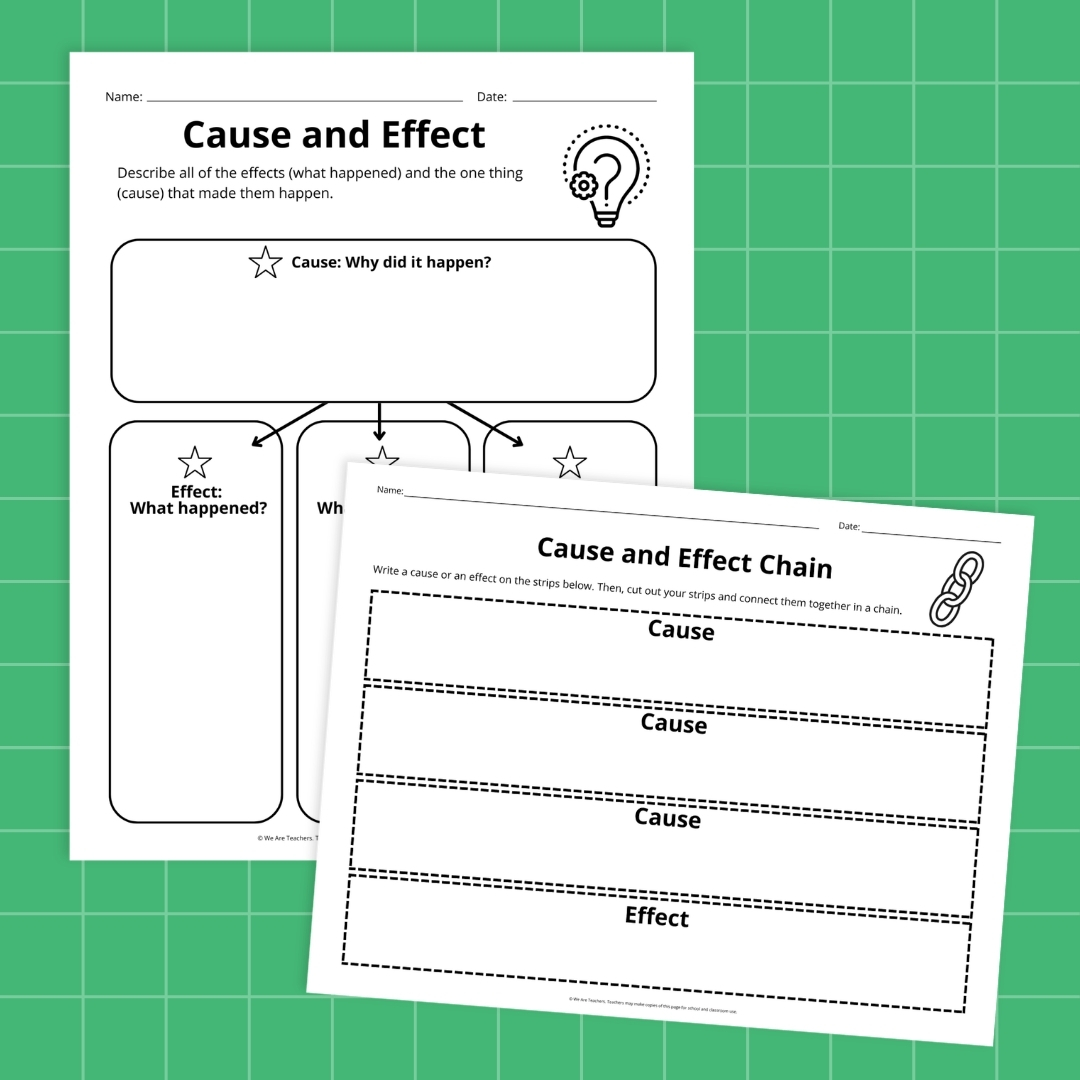
What is an anchor chart?
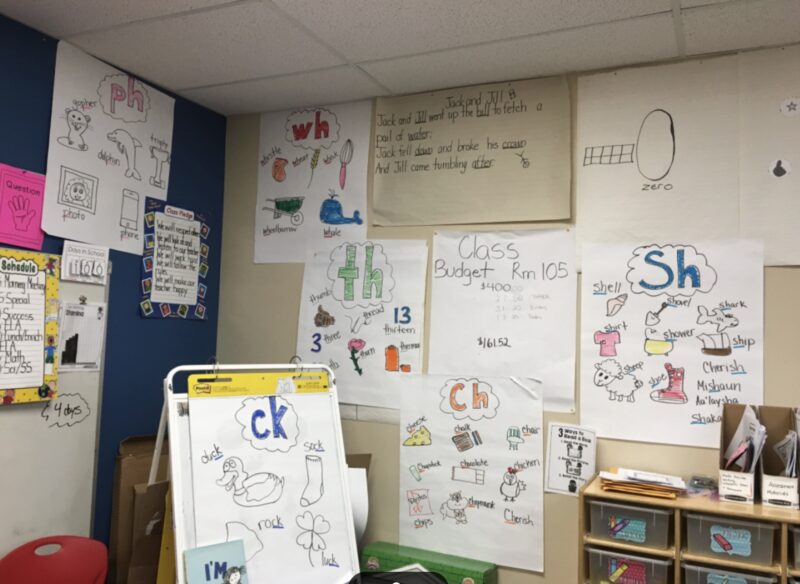
An anchor chart is a tool used to support instruction (i.e., to “anchor” the learning for students). As you teach a lesson, you create a chart that captures the most important information, the strategies, and content that you want students to refer to later. Then, hang it in a space where students can see it and refer to it when they are practicing the skill.
How To Use Anchor Charts
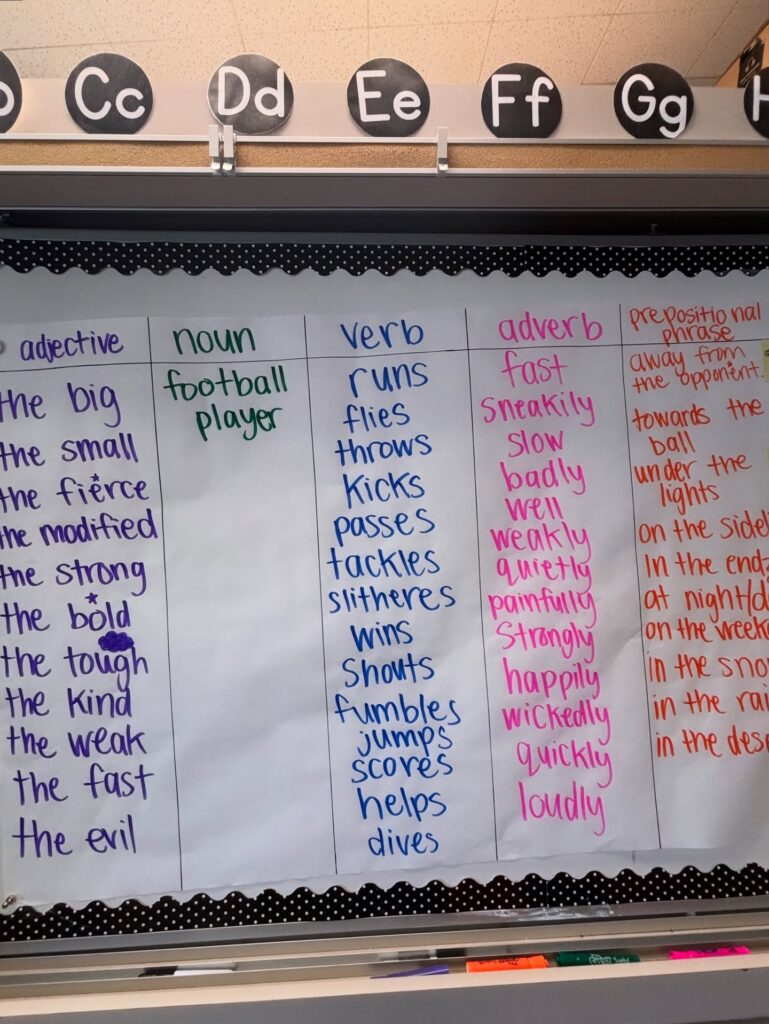
Veteran 5th grade teacher April Archer loves anchor charts as a reference point because when students are working, they can reference the chart that they created together.
“I also use a lot of anchor charts in our writing notebooks,” Archer shared. “I show my students to look at the examples to incorporate into their writing.”
Check out April’s chart below all about word types that students can reference as they write. For more great ideas from April, be sure to follow her on Instagram at @AcademicallyApril.
Types of Anchor Charts
You can make a chart for literally everything, but there are three main types:
- Procedure: Think routines and procedures that you want students to refer to as they work in your classroom.
- Strategy or process: These are for strategies you want students to remember and apply in their work. Things like how to create Cornell notes, how to break apart multisyllabic words, or how to solve a geometric proof.
- Vocabulary: Anchor charts also prove helpful in reinforcing vocabulary since students need lots of practice with words for them to “stick.”
How do I create anchor charts?
April loves to make anchor charts with students. Let them contribute and they’ll really use it. Making a chart is the best way to put your teaching, creativity, and smelly markers to work.
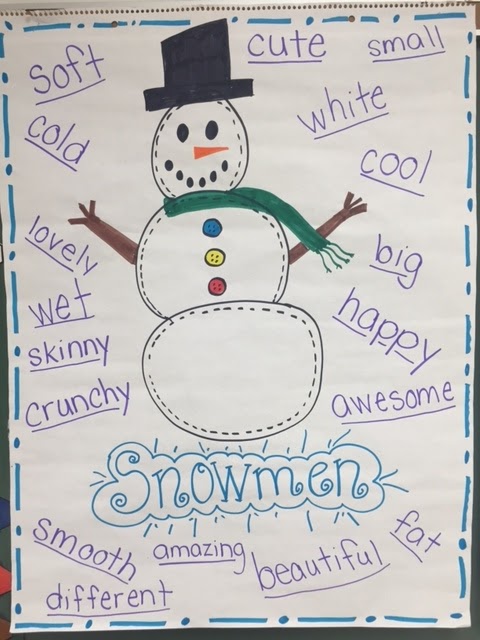
- Start with an outline: You know what you want students to learn, so create the frame ahead of time if you need to. For example, you might create boxes for a process or draw a snowman to write about.
- Add a heading: Make sure the purpose is clear.
- Fill it out: Work with students to model the strategy or content and listen to their ideas for completing the chart. While you should know what needs to be included, be open to student suggestions. Filling out a chart may take one lesson or an entire unit.
- Hang: Display it where students can see it when they need the information.
- Refer to it often: Students need to learn how to use anchor charts just like any other tool in your classroom. So when students have a question or when giving directions for a task, refer them to the chart.
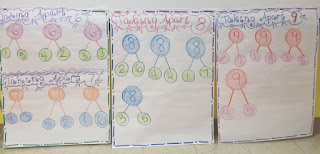
Some charts may stay up all year, while others are switched out when students have mastered that content. For example, April creates anchor charts that show how to complete math problems that students are working on. Once they’ve mastered that skill, it’s time for a new, more advanced anchor chart. In that way, posting anchor charts keeps relevant and current learning accessible to students, reminds them of prior learning, and encourages them to make connections as new learning happens.
How To Maximize Anchor Charts
Use our tips to learn how to use anchor charts like a pro!
Use color strategically
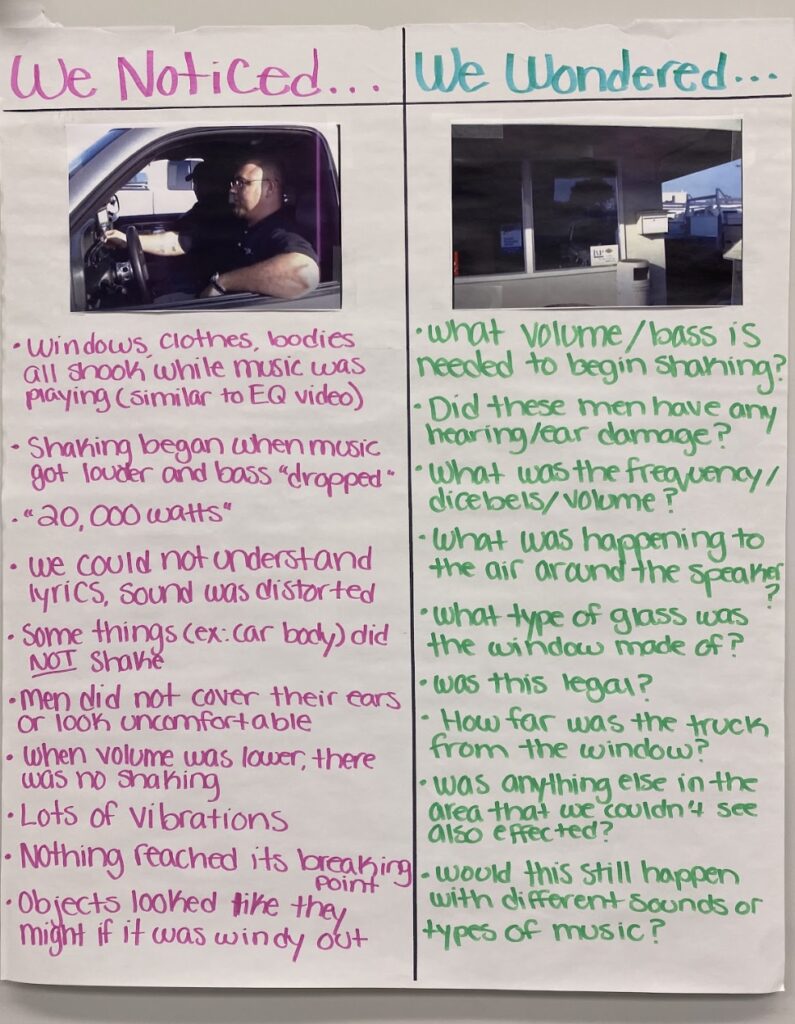
Use different colors and bullet points to help students quickly access the information you want them to see.
Keep them simple and neat
Use easy-to-read graphics and clear organization. Don’t allow distracting, irrelevant details or stray marks, such as too many arrows or overemphatic underlining that undercuts your message.
Use visuals
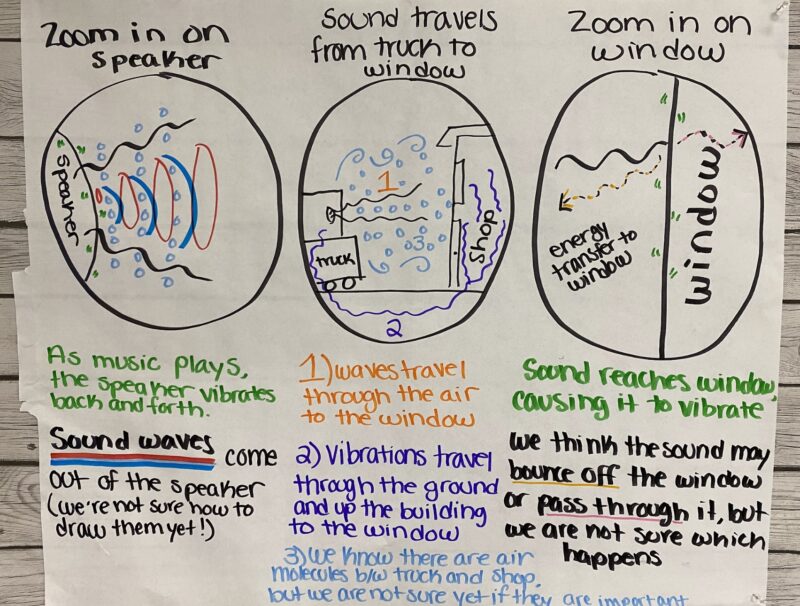
Use drawings and other visuals to show what happens in a process or procedure, like this example that explains how sound waves travel.
Don’t overuse them
While anchor charts are a super-useful tool, don’t feel as if you need to create one for every single lesson. Choose carefully so the ones you create have the greatest impact.
Have students do the work
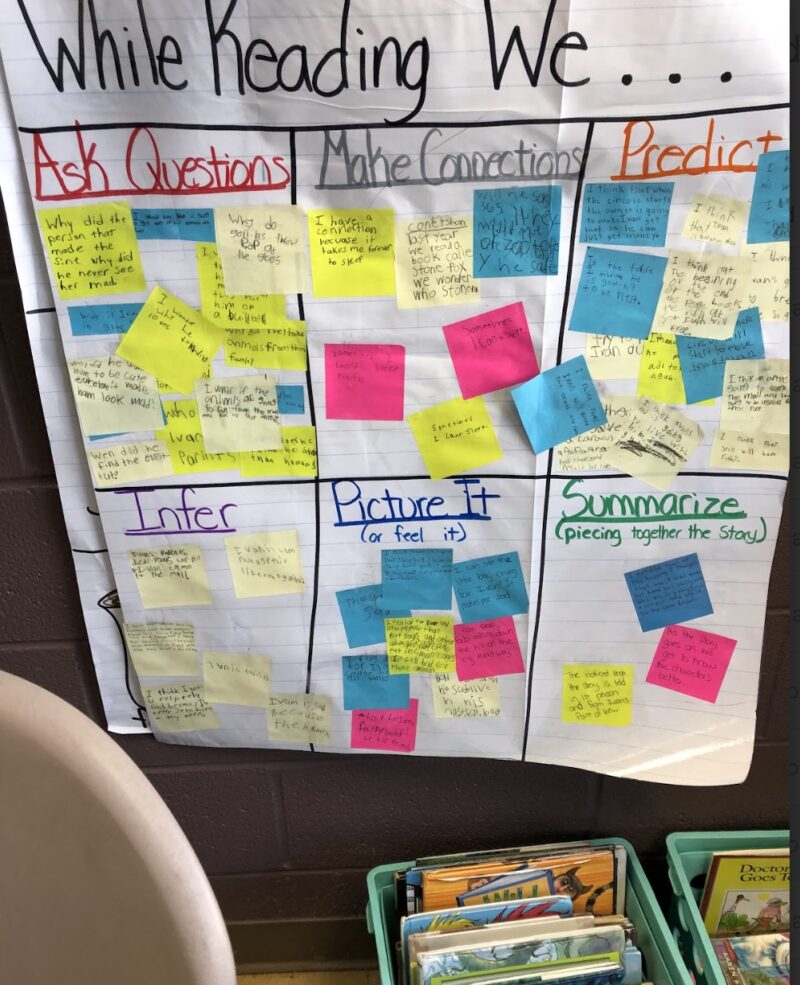
Create a living anchor chart by having students add to it with sticky notes of examples from what they read or research they do.
Get inspiration
Teachers always get their best ideas from other teachers. If your teammate has already tackled a topic, use the same format. Just make sure you create your own version from scratch so your students experience the learning as you go.
Aim for maximum engagement
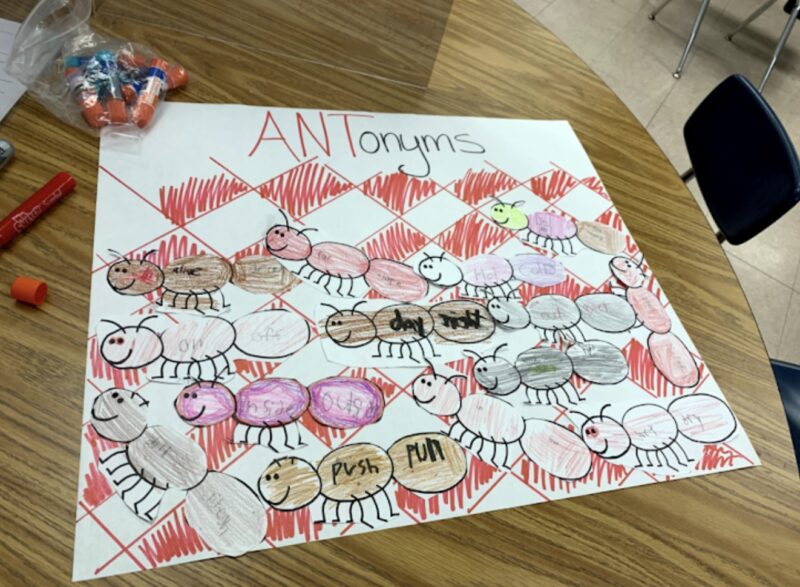
When students are involved in the process of creating learning tools, they are more likely to comprehend more deeply and remember more of what they learn.
Bring lessons to life
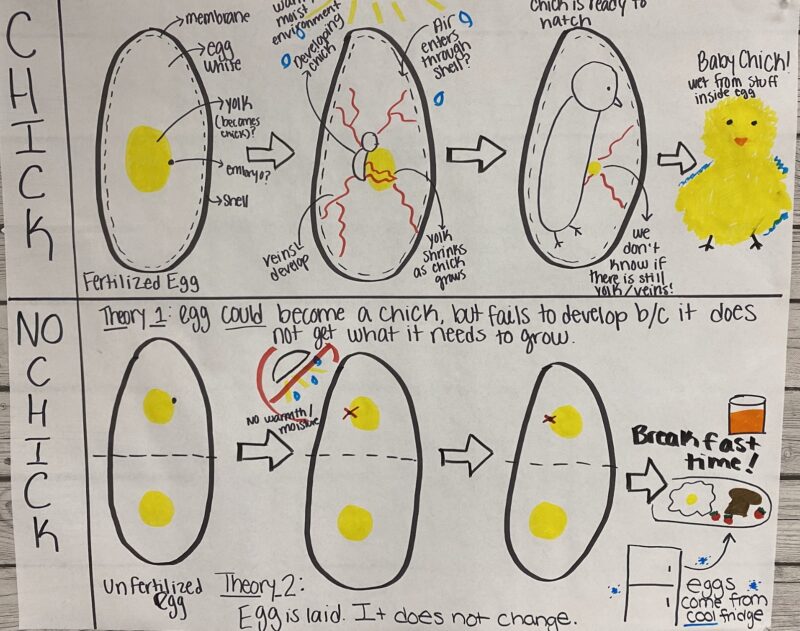
If you are studying a topic that lends itself particularly well to a visual aid, create an anchor chart! If you are studying how animals develop, for example, draw a visual of what happens inside an egg when there is and is not a chick.
Support independent work
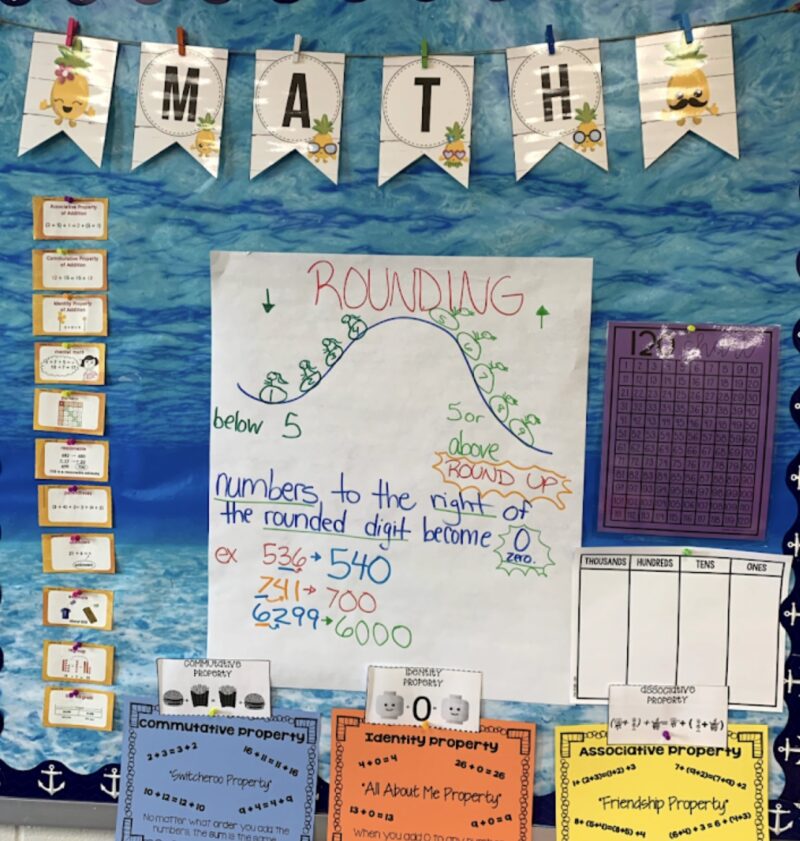
Students should refer to charts when doing independent work, so make sure they include information students can use.
Use them as classroom references
To help students keep information straight, create charts for each topic. For example, if you’re teaching math concepts, create a chart for geometric shapes, the difference between perimeter and area, and how to multiply and divide fractions.
Reinforce classroom procedures
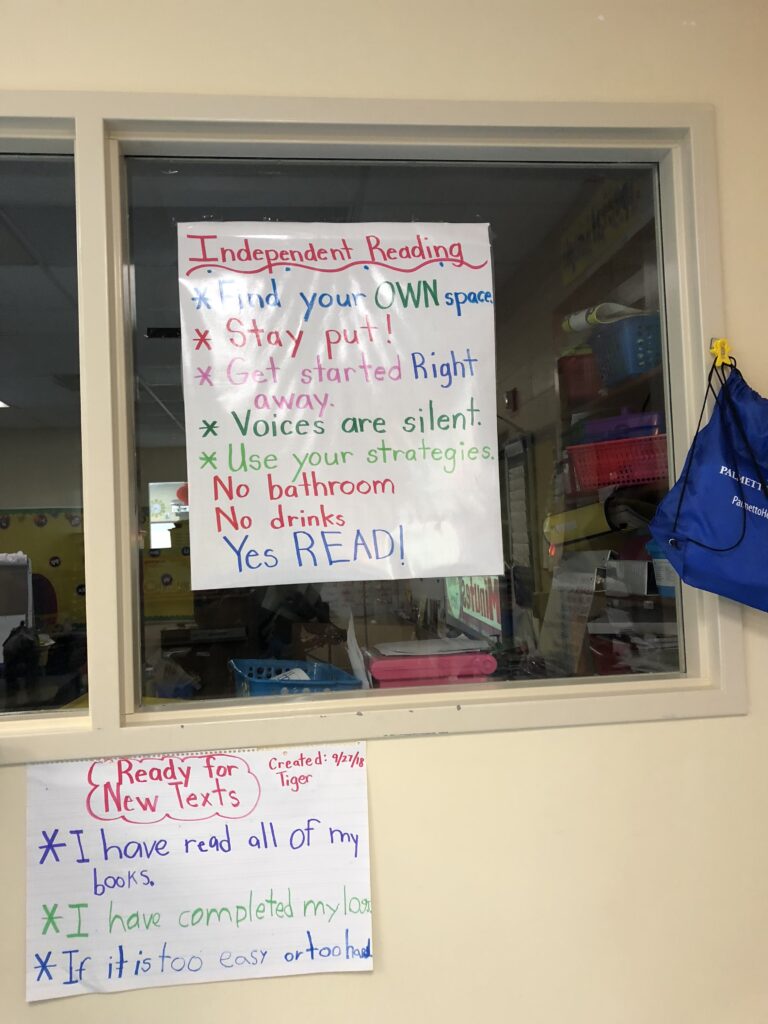
Provide students with a visual to remind them of routines, like these anchor charts about how to do independent reading and get new books. The poster doesn’t have to be huge, but it does have to be helpful.
Create read-aloud companions
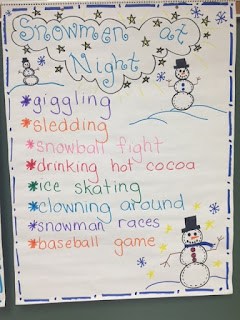
While you’re reading, stop, observe, and record. At the end, you’ll have a chart to remind students about the main vocabulary, ideas, and structure of the story.
More Helpful Resources
Inspired? Check out more of our collections for ideas:
- Fraction Anchor Charts for Your Classroom
- Anchor Charts That Nail Reading Comprehension
- Fantastic Sustainability and Recycling Anchor Charts
- Anchor Charts To Teach Place Value
- Classroom Management Anchor Charts
- Must-Have Anchor Charts for Teaching Writing of All Kinds
- Fabulous Fluency Anchor Charts
- Close Reading Anchor Charts That Will Help Your Students Dig Deep
- Get Your Facts Straight With These Nonfiction Anchor Charts
- Perfect Anchor Charts To Teach Phonics and Blends