
With countless opportunities to design creative learning experiences and develop critical thinking skills, 3D printers are an innovative tech tool that can be used to teach just about any subject. There’s something extra special about witnessing awe-inspired students as they eagerly watch their 3D printing ideas take shape.
We asked STEM coach Naomi Meredith to share some of her top tips for teaching 3D printing to kids. Naomi’s been working with 3D printers for over six years and loves teaching kids how to use them. She also shared a roundup of her favorite 3D printing ideas, featuring real projects and lessons she uses with her own students. Take a look at them all below, and choose a few to kick off your own school 3D printing program!
Tips for 3D Printing With Kids
Even if you’re a newbie to 3D printing yourself, you can still use this amazing tool with students! We asked Naomi for her top tips. Looking for even more advice? Check out Naomi’s website, and follow her on Instagram, @naomimeredith_.
Don’t be intimidated
“It’s OK if you don’t know everything about 3D printing when you get started with kids,” Naomi promises. “You can learn right alongside them.” Naomi herself jumped into 3D printing in March 2020 and learned what she needed to know along the way.
Choose a reliable 3D printer
There are a lot of different 3D printers available these days, and some are better than others. Before you make the investment, do the research and read reviews.
Naomi likes Bambu Labs models. “There are different price points and options with these printers,” she explains. “The A1 series work well for getting started. If you want to invest a little more, the P1S series with the AMS on top will give you the ability to print designs that have more than one color.”
Start a 3D printing club
If you’re not ready to start 3D printing lessons with your whole class, try a smaller group first. “Start by hosting an after-school club where you can all learn together,” Naomi advises. “A club is typically lower-stakes, and you can work out the kinks together. I run weekly after-school 3D printing clubs for students, and I love seeing how quickly kids learn and improve their digital design skills. My printers are constantly running in my office with student projects.”
Keep projects organized
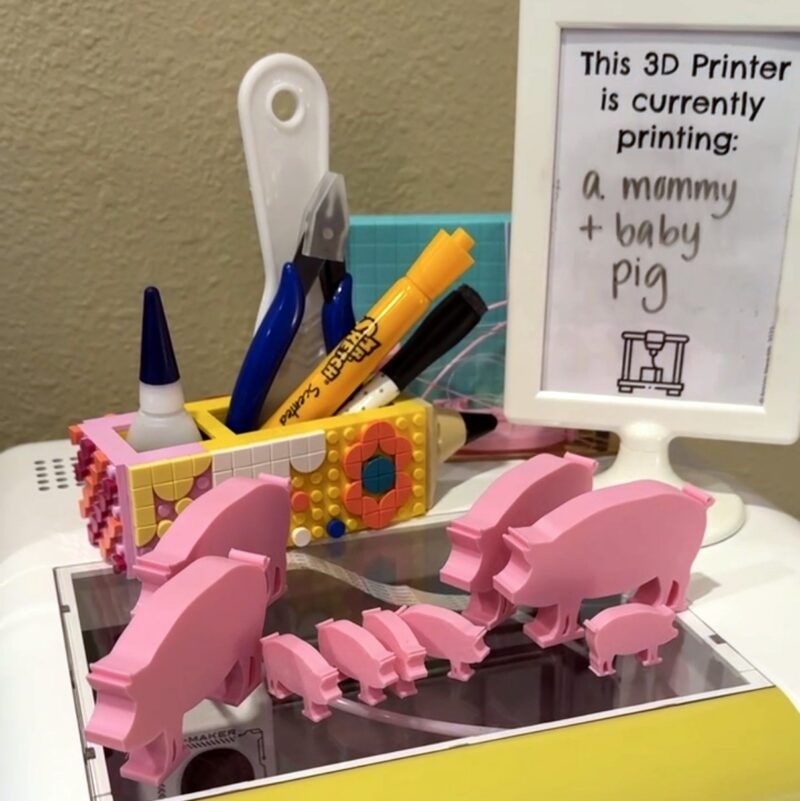
Speaking of constantly running printers, Naomi advises that one of the most important things you can do is stay organized. “Especially when you are printing multiple classes, it’s a lot of work to stay on top of everything,” she notes.
“I created a free 3D printing station kit that not only keeps me organized with all of my prints, it also answers students’ typical questions about the printers, Naomi shares. “‘What’s printing right now?’ ‘Whose prints are finished?’ ‘Which designs are going to be printed next?’ I’ve been using this same system for years, and I’m able to finish hundreds of prints in a reasonable amount of time.”
Start with single-color filament projects
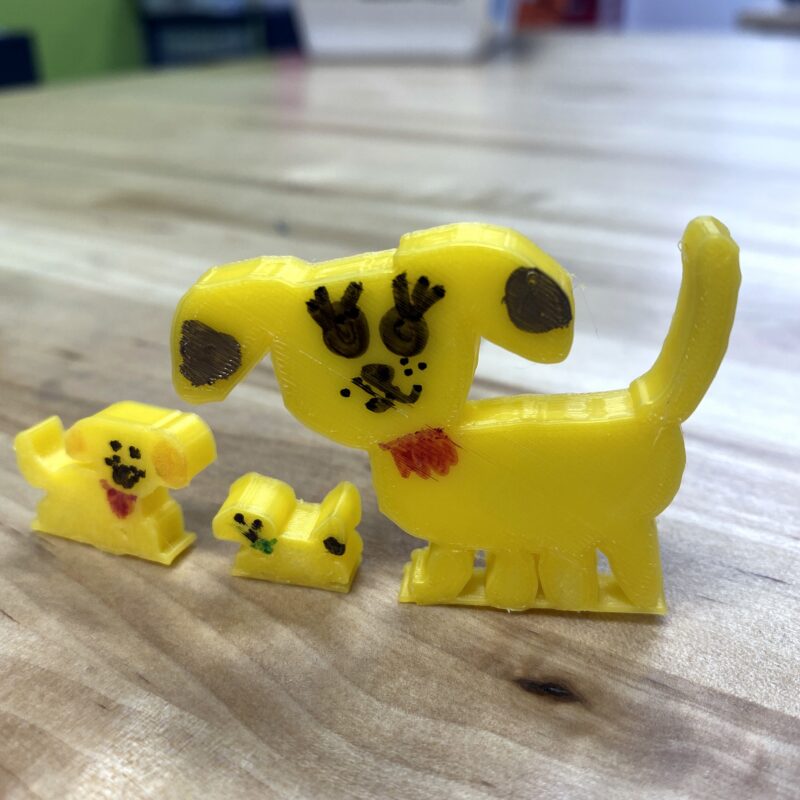
Don’t try to do too much too fast. Simple, single-color projects are less complicated for beginners. “In my opinion, they’re a lot easier to manage and faster to print too,” says Naomi. You can add details with markers or paint afterwards.
Don’t limit students … or yourself
Once you feel comfortable with your printer’s basic abilities, you’re ready to fly! “Provide opportunities for students to create their own designs,” Naomi recommends. “There are great entry point software programs to start creating with kids. TInkercad and 3D Doodle Transform are my favorites, and they’re free to use. Seeing kids create with 3D software is such a powerful experience, and you’re unlocking talents they might not have known they were interested in.”
Melt down filament scraps to make new things
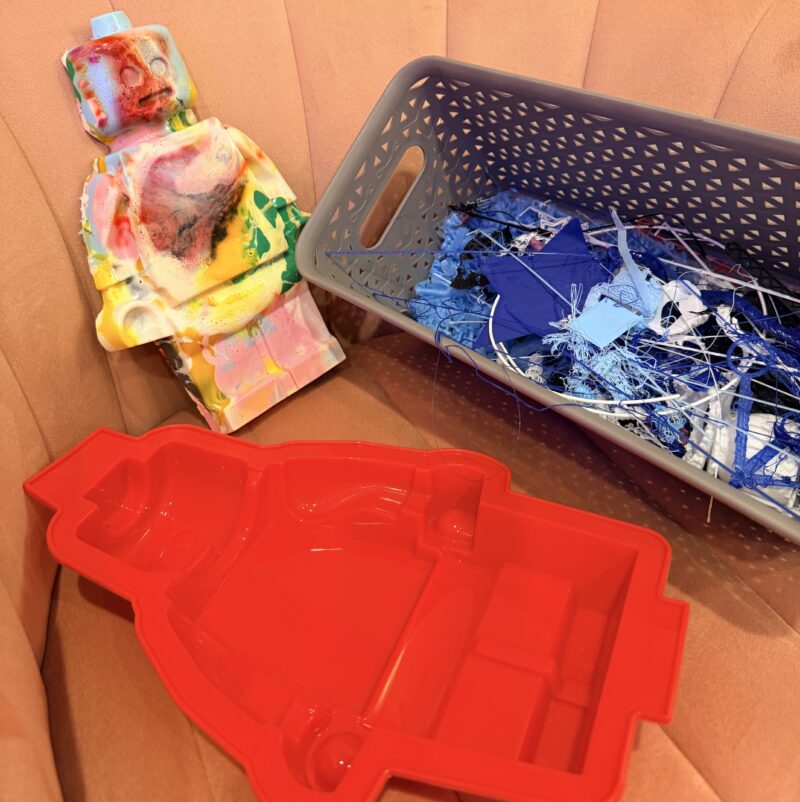
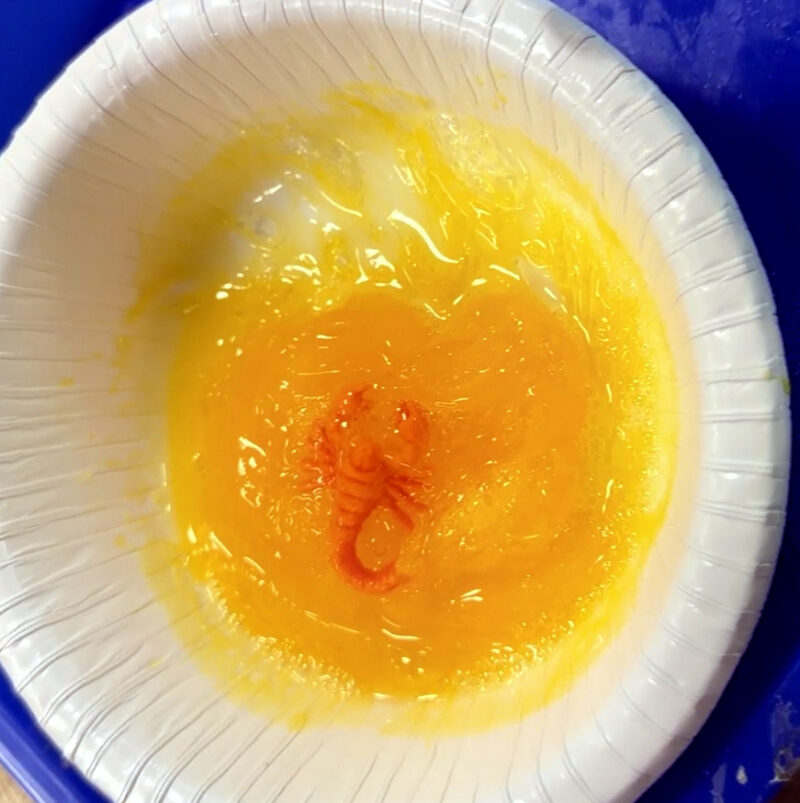
3D printing tends to leave a lot of plastic scraps behind, but you don’t need to toss them. Instead, use them to make something new! “Make sure to do this in a well-ventilated space,” Naomi cautions. “I bought a toaster oven off Facebook Marketplace so I could melt these down outside on a nice day when I’ve collected enough scraps.” See Naomi explain more about the process here.
If you need more support getting started with 3D printing in the classroom, Naomi offers an online, on-demand workshop where she covers current 3D printing tools, systems to set up, printing basics, and lesson plans. Find out more on her website.
Top 3D Printing Ideas for Kids and Classrooms
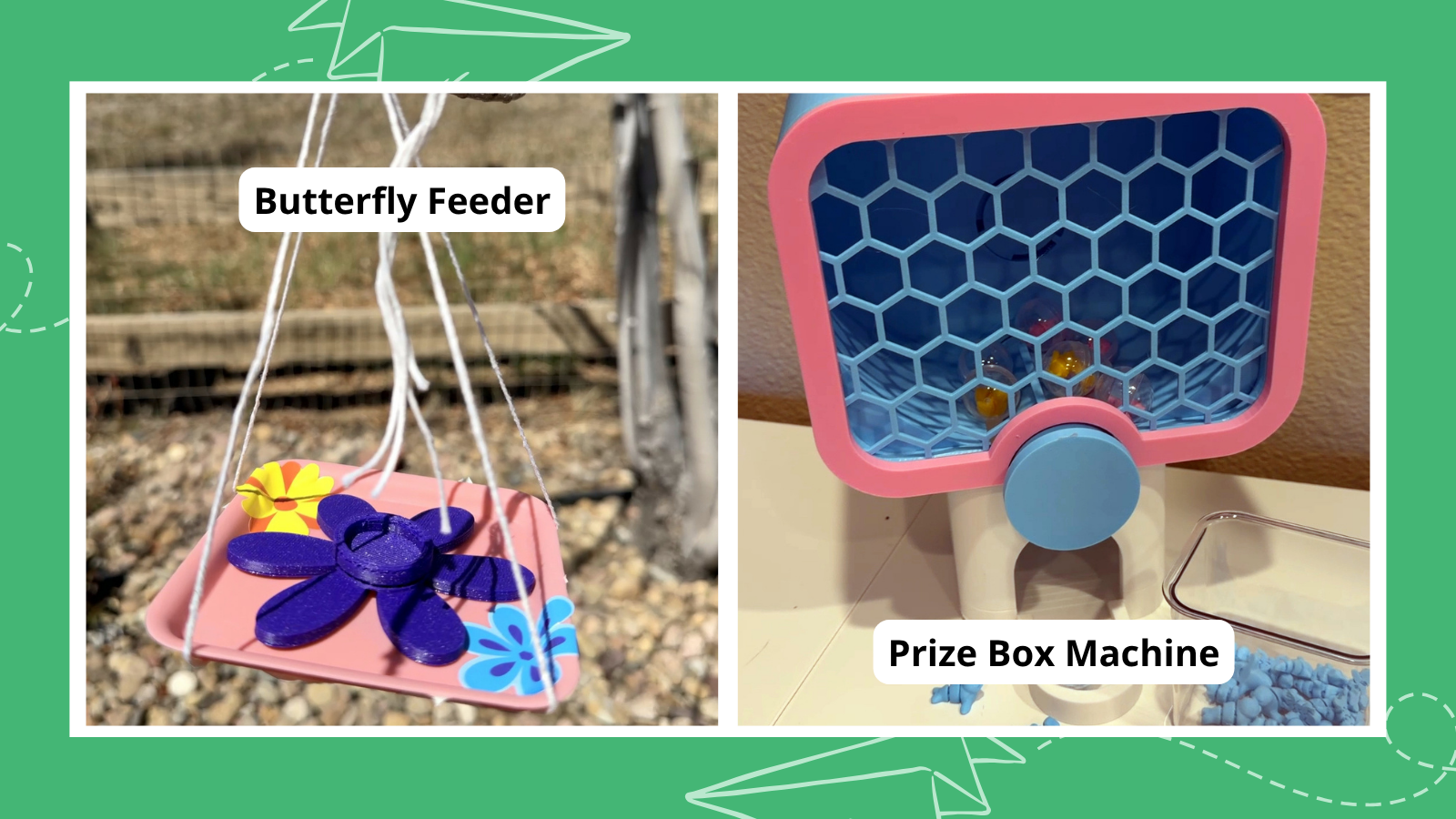
More 3D Printing Ideas
- Balloon-Powered Car
- Fraction Blocks Manipulatives
- Micro Catapult
- Infinite Cube Fidget
- T-Rex Tape Dispenser
- 12-Hole Ocarina
- Frog Dissection Kit
- Articulated Snowman Fidget
- Retro Alarm Clock Stand
- Braille Blocks
- Spinning Top
- Book Holder Reading Aid
- Assistive Bottle Opener
- Text Isolator Reading Bar
- Hyperboloid Pencil Holder
- Parallel Line Drawing Tool
- Checklist Stencil
- Key Organizer Tool
- Cheese Doorstop
- Dry-Erase Marker Set Holder
- Hexagon Coaster Set
- USB Cable Holder
- Low-Poly Ring
- Human Skull Model
- Bubble Wand With Nametag
- Cutaway Earth Model
- Hanging Vase
- Bicycle Phone Holder
- Customized Stamps
- Funny Toothpick Dispenser
- Holder for Toothbrush and Toothpaste
- Modular Fiddle
- Spider-man Yo-Yo
- Hurricane Katrina Model
- Adjustable Wrench
- Tortoise Key Chain/Smartphone Stand
- Gold Medal Name Plate/Olympic Medal
- Panda Bookmark
- Teaching Clock
- 6-Cable Organizer and Holder
- Desk-Mount Headphone Holder
- Earbud Holder
- Wall Outlet Shelf
- T-Rex Bag Clip
- Educational Interlocking Number Blocks Toy
- 3D Printable Math Spinner Toy
- Desk Bag Hook
- 3D Water Cycle
- Chopstick Trainer
- Measuring Cubes
- 3D Matching Game
- Classroom Hall Passes
- Multi-Color Cell Model
- Small Parts Organizer
- 3D Printing Optimized Bookend
- Moon Bracelet
- 3D Printed Lampshade
- Squishy Turtle
- Shower Head
- Blossoming Lamp
- Backpack/Bag Hanger
- Quick-Pot/Seeding Planter
- Fabric Measuring Tape Spool
- Sink Strainer
- Little Chick Key Chain
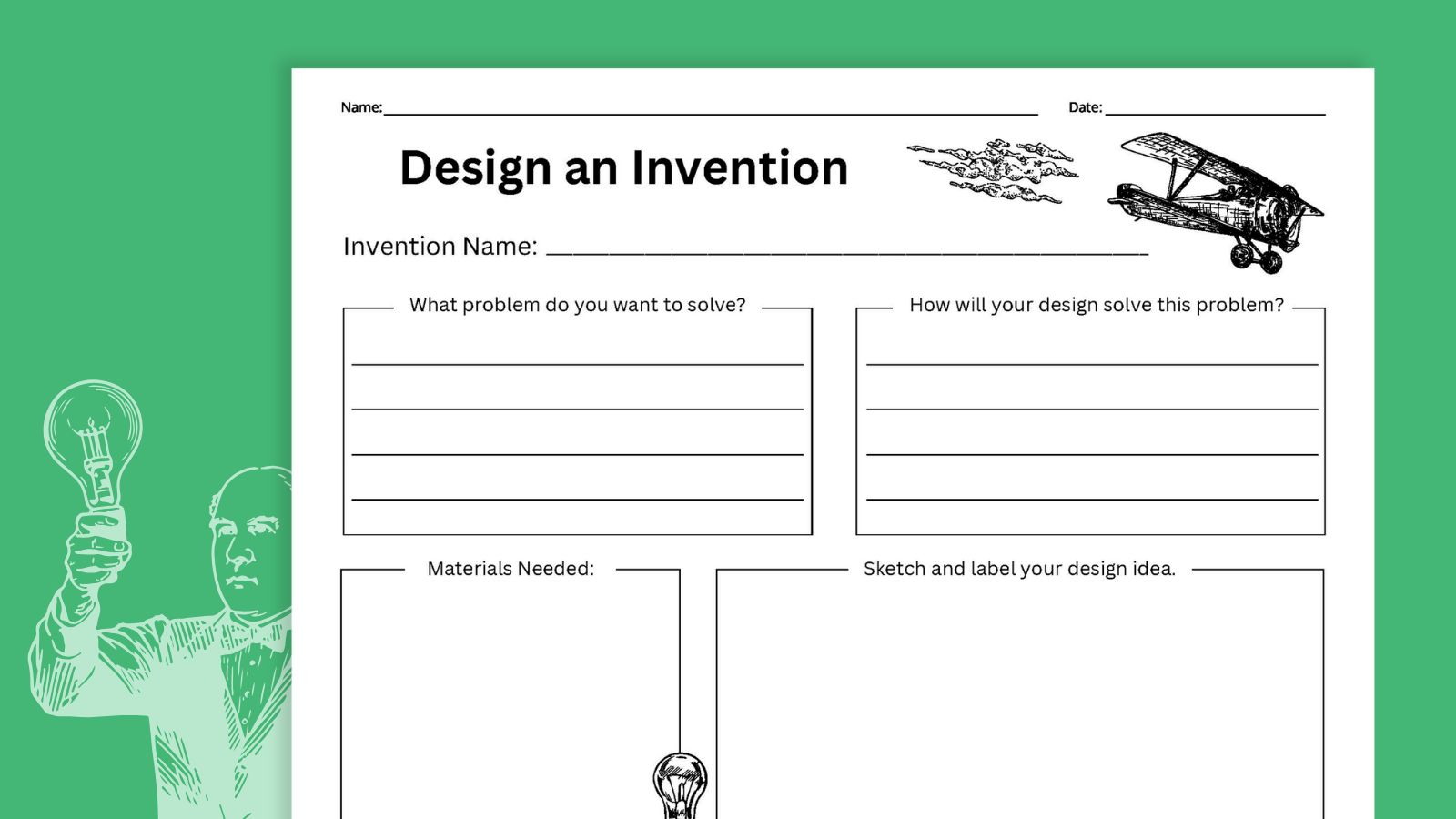
Don’t forget to grab your free invention-planning worksheet!
If you loved these invention ideas, click the button below and fill out the form to get a free printable worksheet that helps your students design their own inventions.