
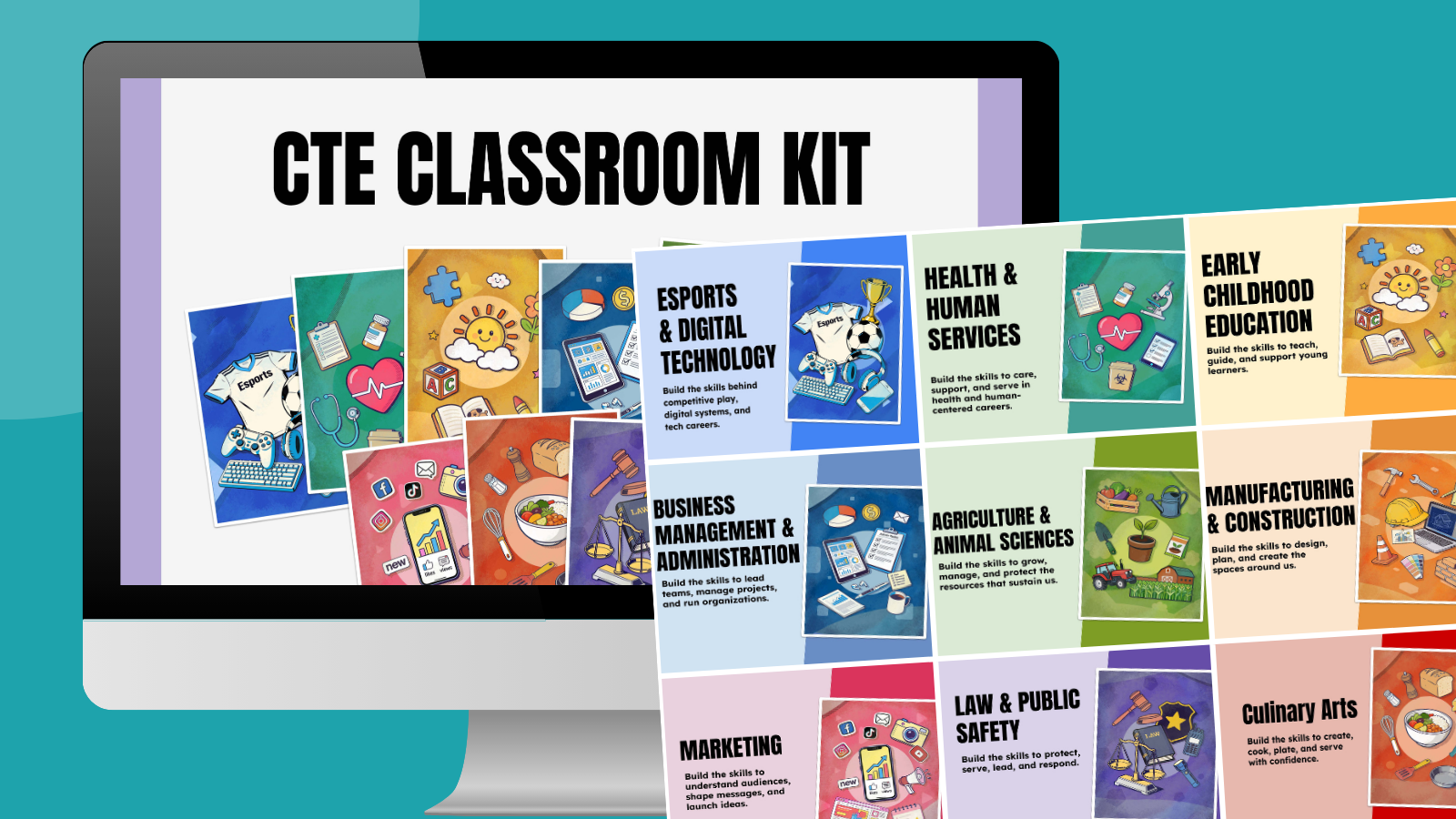


CTE teachers have a lot to organize, from introducing the course and setting expectations to planning lessons, keeping students on track, and connecting classroom learning to future careers. We partnered with Staples Business to create these free CTE Google Slides templates to make all of that work easier.
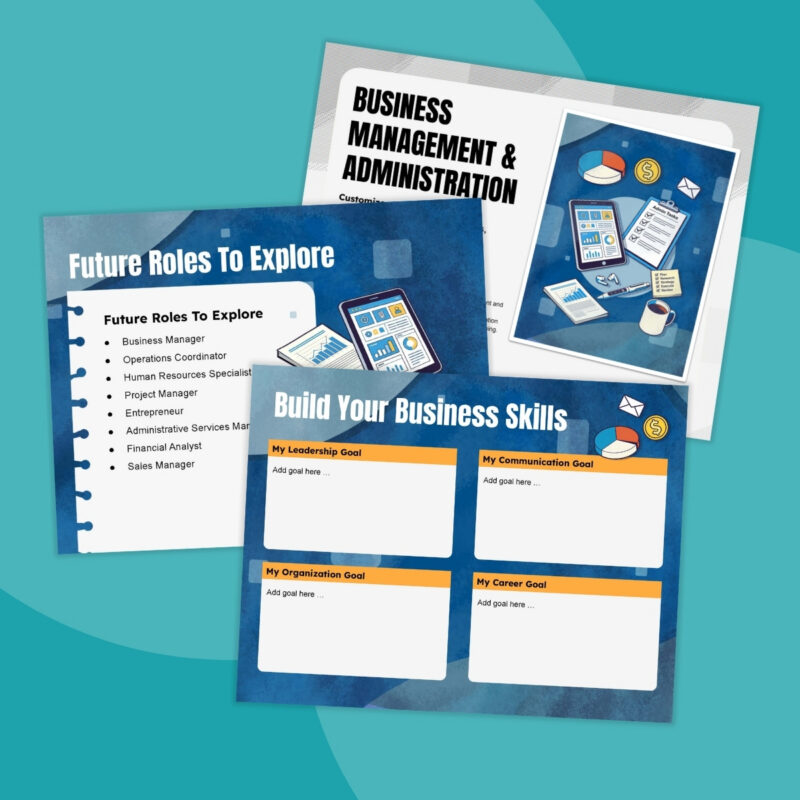
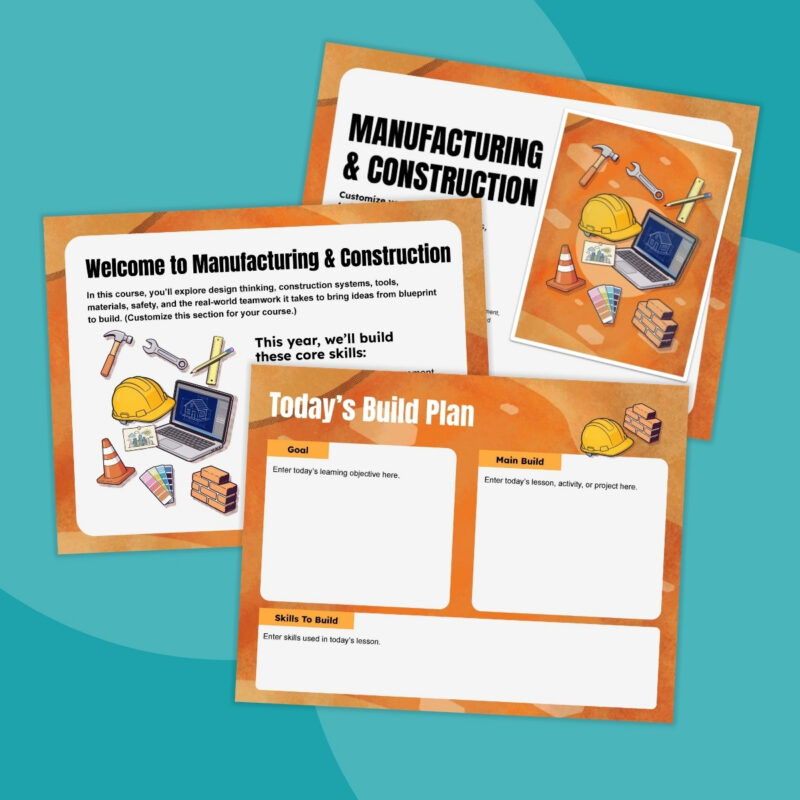
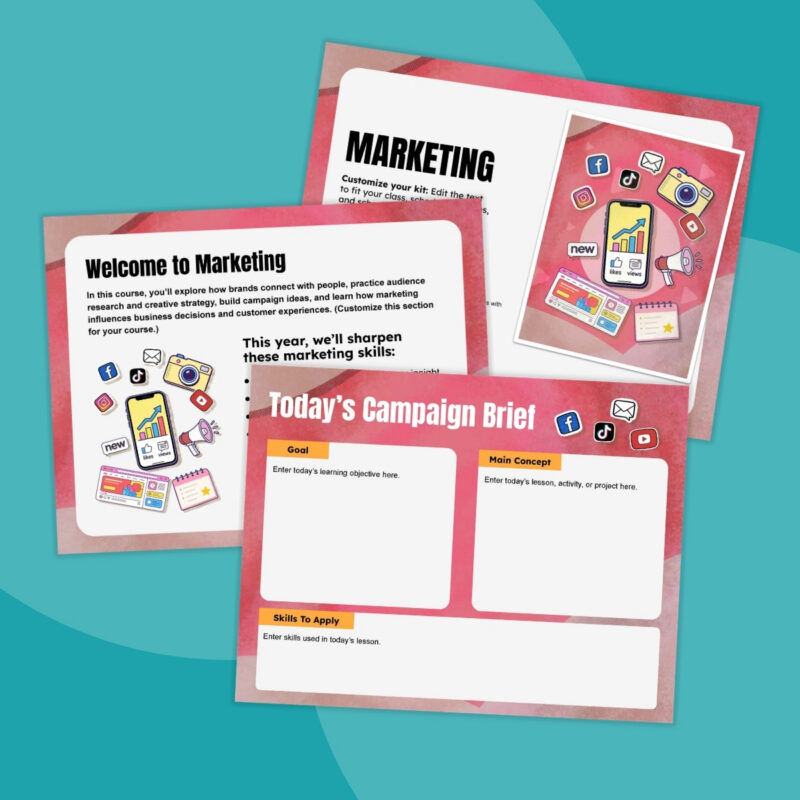
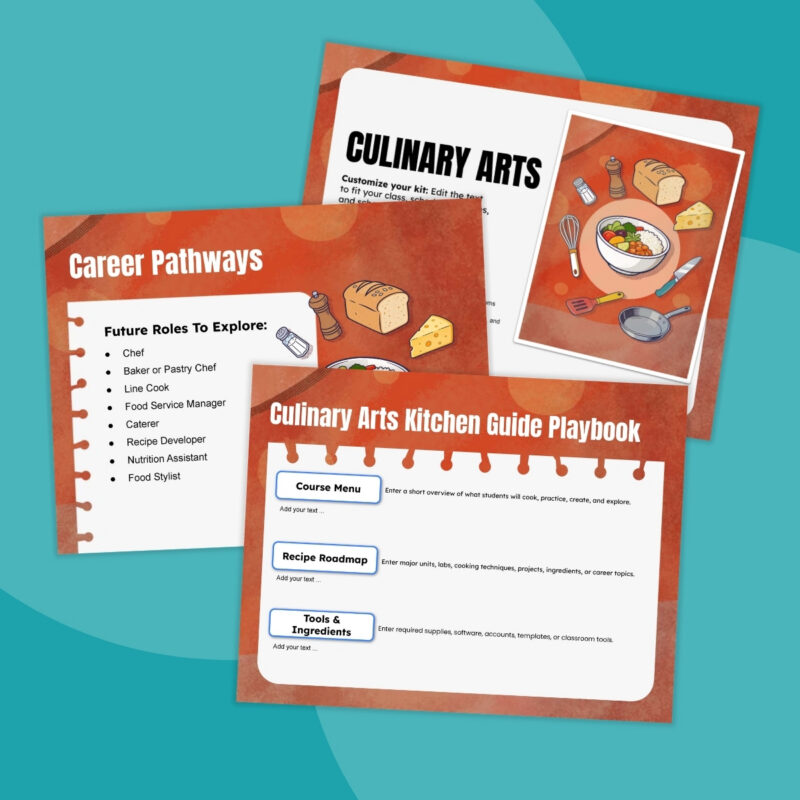
These aren’t one-size-fits-all classroom templates. Each set has 10+ slide templates designed around a specific CTE course, with visuals, examples, career pathways, and classroom themes that reflect what students are actually learning.
How To Use the CTE Classroom Slides
Choose one of the nine kits below that matches your CTE course. Edit the slides to fit your program, project them in class, or share them directly with students in Google Classroom. You’ll find slides to help you:
- Kick off your course: Introduce what students will learn, classroom expectations, grading, and career pathways.
- Plan the week: Customize weekly overview slides with upcoming lessons, projects, assignments, and activities.
- Guide each class: Project daily objectives, warm-ups, activities, and skill-building goals.
- Share with students: Post slides in Google Classroom so students can reference plans, prompts, assignments, or class information.
- Set and track goals: Give students space to identify skills they want to strengthen and career goals they want to explore.
- Wrap up learning: Use reflection and exit ticket slides to check understanding and reinforce key takeaways.
What’s Included in the Classroom Kits
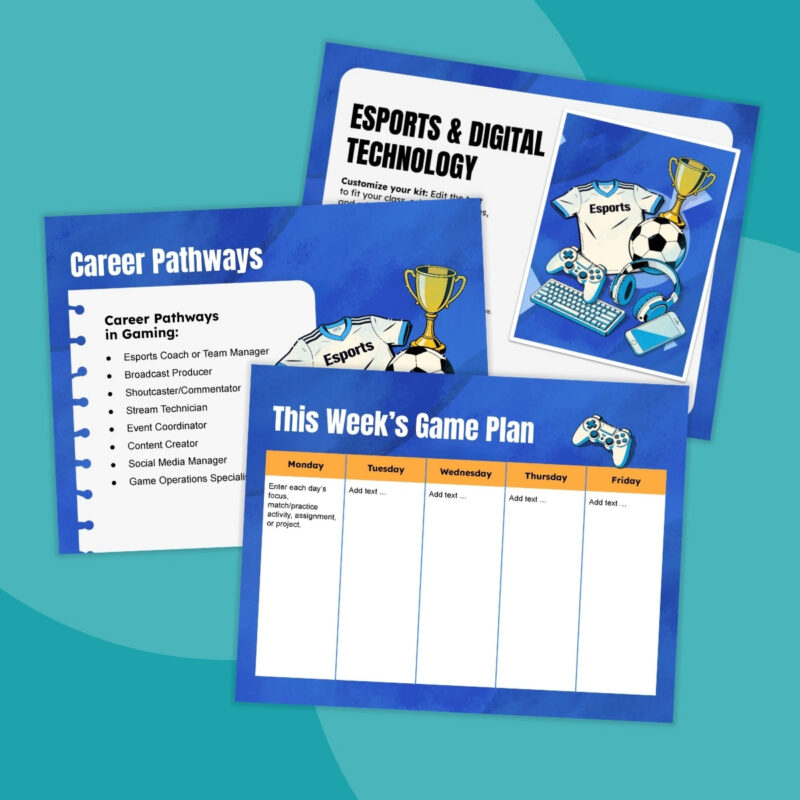
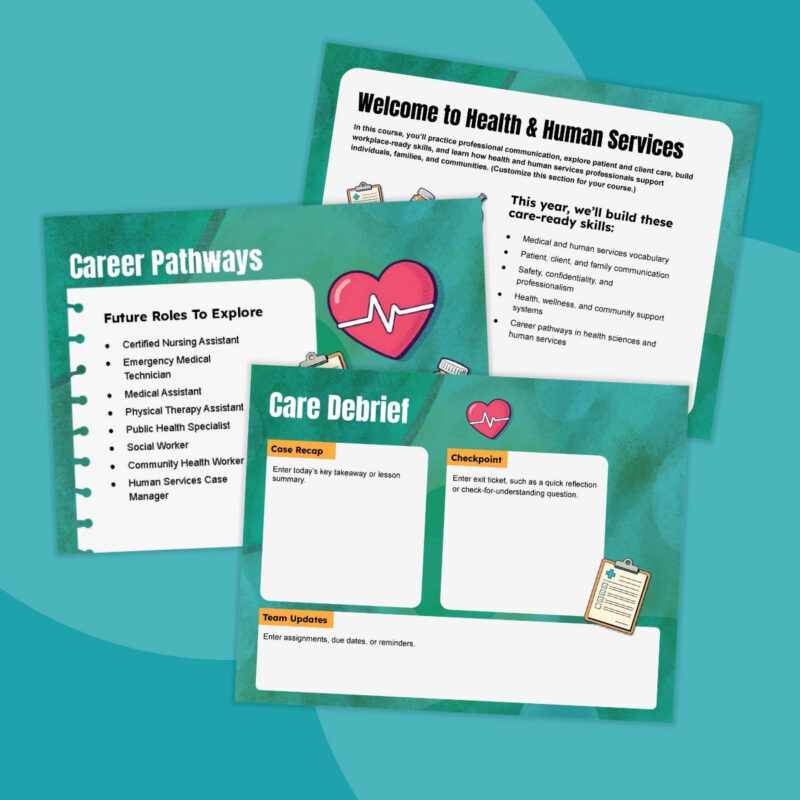
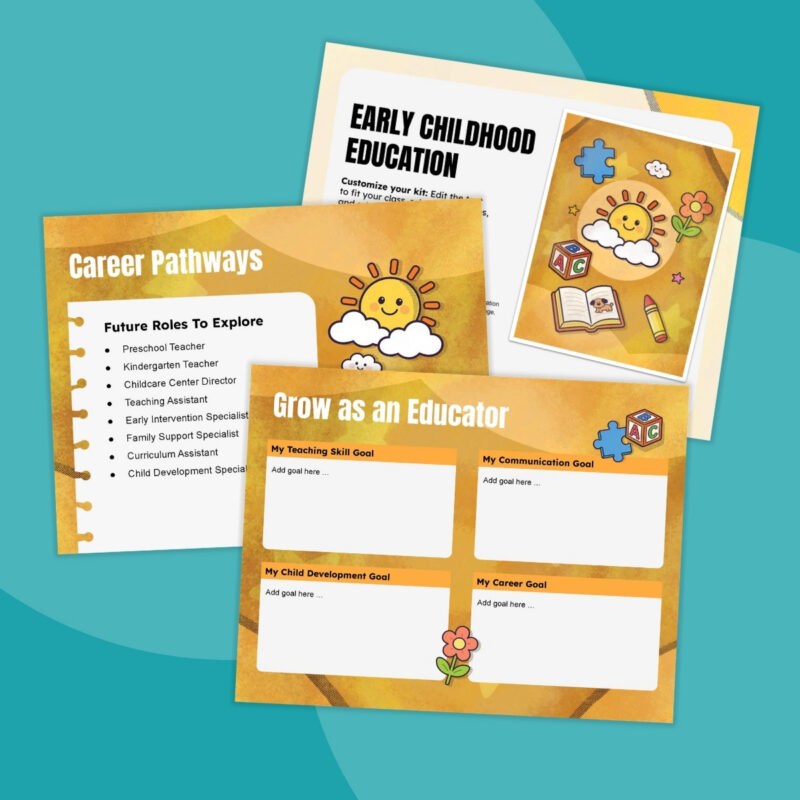

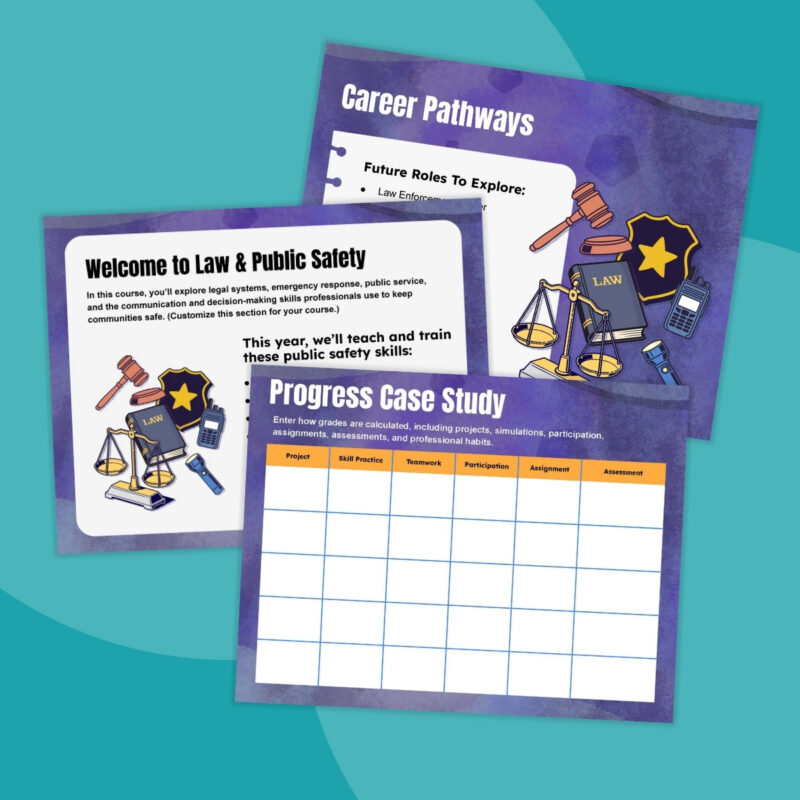
Download Your CTE Google Slides Kit!
Grab the free customizable kits featuring Google Slides for nine different CTE pathways. Just follow the link below to get them.